
Ignite Your Potential
Trusted by industry leaders like





Does this sound like you?
Tired of waiting on engineers or outside teams for simple plans? Are you starting a new career with no prior knowledge of fire sprinkler system design and struggling with where to begin?
In the Fire Sprinkler CAD Basics, you’ll build:
- Foundational 2D CAD workflow skills
- Fire sprinkler drafting basics
- Practical layout and drawing habits
- Stronger confidence through repetition and guided practice
- A better base for progressing into more advanced sprinkler design applications later
If you’re ready to take control of your learning and career, then Fire Sprinkler CAD Basics is for you!
Investment
This is the self-guided starting point for learning fire sprinkler CAD through a progression-base method that helps you build the right skills in the right order.
It's time to ChangeFire Sprinkler CAD Basics
Start Simple. Build the Right Skills First.
The core CAD skills used in fire sprinkler design carry across different project types. We begin with NFPA 13D practice projects because they are simpler and easier to learn from when you are developing new CAD Skills.
That means you can focus on layout, drafting workflow, plan organization, and repetition without getting overwhelmed by more advanced system complexity too early.
Once that foundation is in place, it becomes much easier to progress into 13R and NFPA 13-type work.
Your Path of Growth
01
Foundational Knowledge
Start with zero prior experience and build a strong understanding of 2D CAD basics, fire sprinkler system design principles, and NFPA 13D standards.
02
Hands-On Practice
Progress through practical exercises and real-world scenarios, developing the skills needed to create accurate and compliant fire sprinkler plans.
03
Professional Competence
Gain the confidence and expertise to submit detailed, code-compliant plans to the Authority Having Jurisdiction (AHJ), ensuring successful project approval and implementation.
"FAR OUTREACHED MY EXPECTATIONS..."
I intially could not imagine that I could so quickly learn a new trade, and it seemed a bit impossible that I could be drafting in a month or two... To be honest, Colbys teaching system far outreached my expectations in the time it took and the difficulty to learn the basics and start drafting.
Chris Jantzen
California
"This was exactly what I needed..."
I'm so happy I found this course! CAD felt intimidating at first, but Colby’s teaching made it easy to understand. This was exactly what I needed to learn the basics.
Owen Evans
California

Here are the Amazing Results
You'll See...
#1
Enhanced Skillset:
Master the essentials of 2D CAD and fire sprinkler design, transforming from a novice to a proficient designer capable of handling complex projects.
#2
Career Advancement:
Equip yourself with industry-recognized knowledge and skills, opening doors to new career opportunities and professional growth in the fire protection field.
#3
Project Success:
Achieve the ability to create and submit code-compliant fire sprinkler plans confidently, ensuring your designs meet regulatory standards and receive approval from the Authority Having Jurisdiction (AHJ).
Want More?
Read On
What's Included

Self Guided
- Self-paced recorded lessons
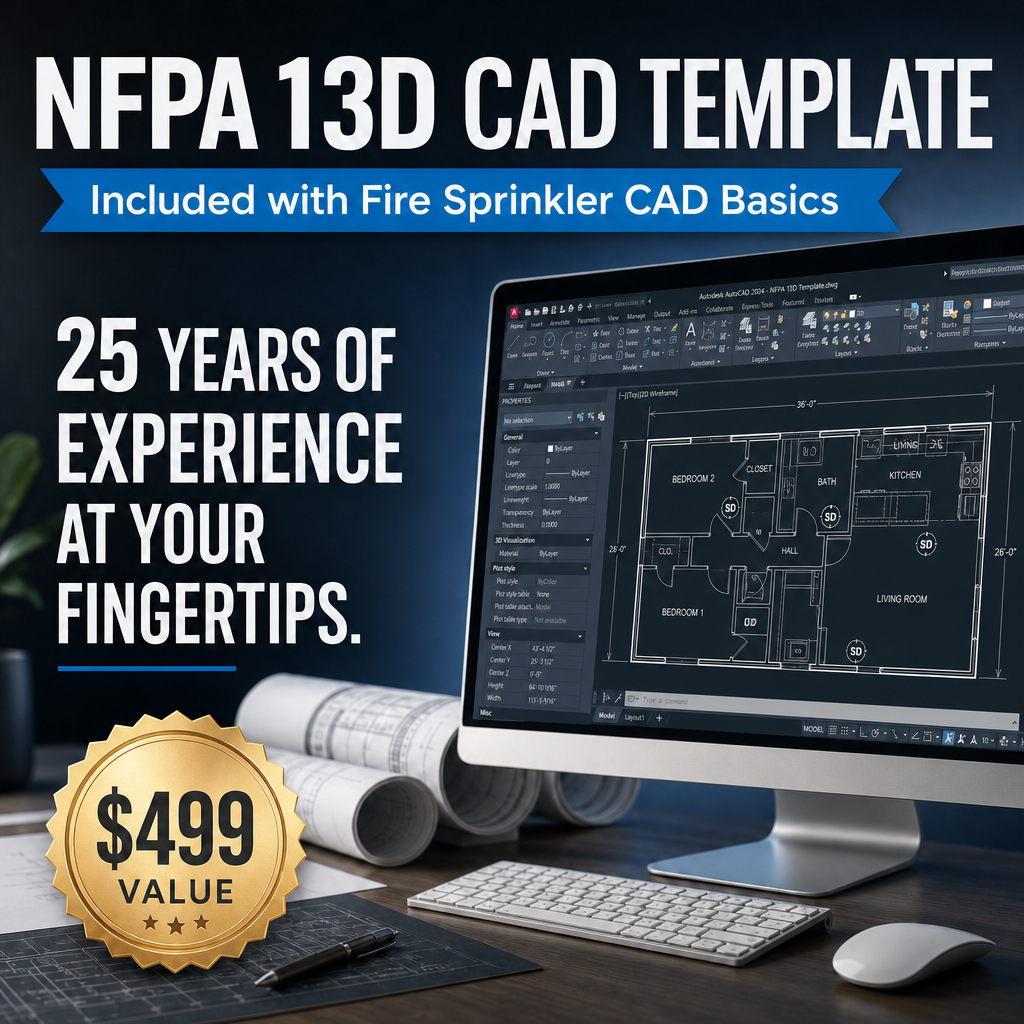
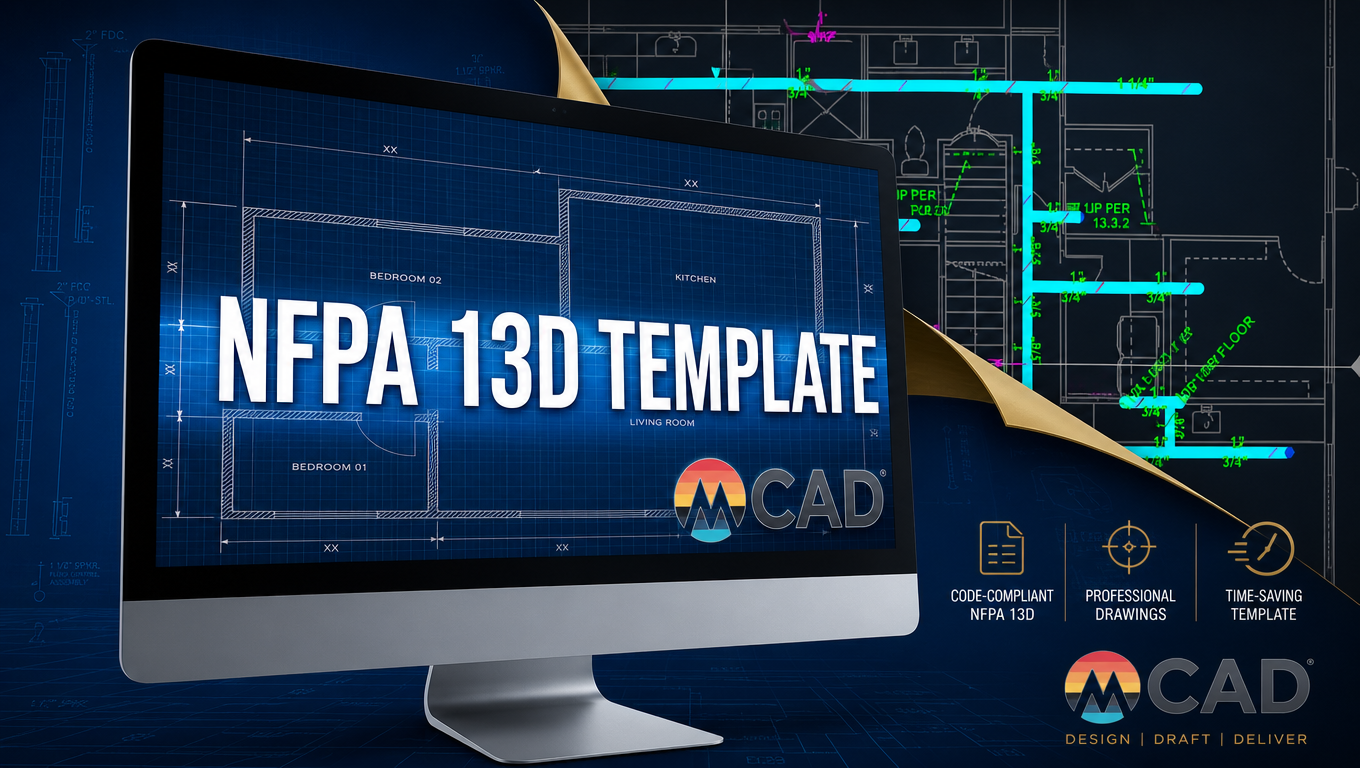
- NFPA 13D CAD Template
- Two NFPA 13D practice projects
- Practice files and learning resources
- 12 months of access
- A practical starting point for learning fire sprinkler CAD


Valuable Resources
Learn the basics using inexpensive CAD software, enabling you to make an informed decision on which CAD program is best for you.


Tools
- PDF Checklists
- PDF Student Handbook
- Auto-dimension pipe LISP Routine
- Material Take-off LISP Routines
FIRE SPRINKLER CAD BASICS
Who This Is For
- Beginners starting from scratch
- Career changers exploring fire sprinkler design
- Installers or office staff moving toward CAD work
- Self-starters who want to learn at their own pace

Skill enhancement Guarantee
Commit to the course, and we promise you'll see measurable improvements in your technical expertise and project efficiency.


Frequently Asked Questions
Do I need prior experience?
Who It's Not For
Why do the projects start with 13D?
Will this help me with 13R or 13 work later?
Is live support included?
What tools or software will I need for thIis course?
Is the program refundable?
Can I share the course with coworkers?
Terms & Policies
Enrollment in the Fire Sprinkler CAD Basics provides a personal license to access course materials for educational use only. All materials (Template excluded) remain the property of mCAD and may not be copied, distributed, or shared.
This is non-refundable due to immediate access to training materials.
